Velstra Cloud documentation
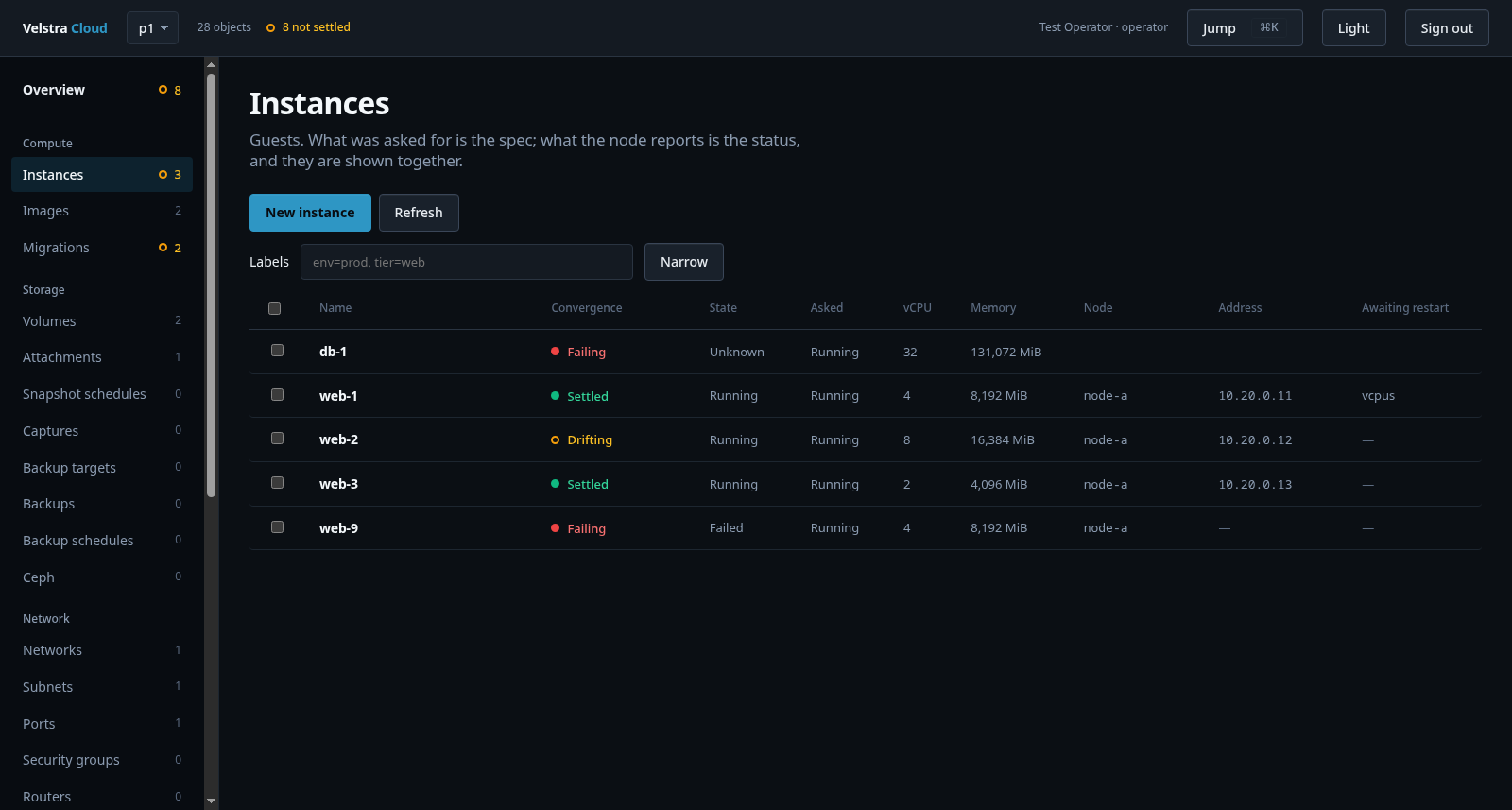
Build a self-hosted cell for tenant VMs, volumes and networks. Each instance records both what you asked for and what its host observed. Use the placement report to find out why a request is waiting.
Start with a working cell
Run the development quickstart to compare a running instance with one that cannot fit anywhere. The two simulated hosts need no KVM device. To boot real guests, use the installation guide.
Choose a task
| Task | Start here |
|---|---|
| Install a node or control plane | Installation options |
| Add compute, storage or a second cell | Set up a cell · Join a node |
| Diagnose a VM or plan maintenance | Operator guide |
| Check processor compatibility before a move | CPU compatibility |
| Move a guest whose root disk is local | Local disk migration |
| Restore the store or recover after host loss | Recovery runbook |
| Update a group of nodes | Release rollouts |
| Script against the cell | CLI guide · REST recipes |
| Look up wire semantics or generate a client | REST contract · OpenAPI JSON |
| Understand image packaging or allocate PCI hardware | Deployment and devices |